.PNG)
1. Click download for Windows in top right of the website
2. Click download for Windows in top right of the website
3. Click to where the Etones file was downloaded in your computer
4. Unzip the folder by right click on it, press 7-zip -> Extract File
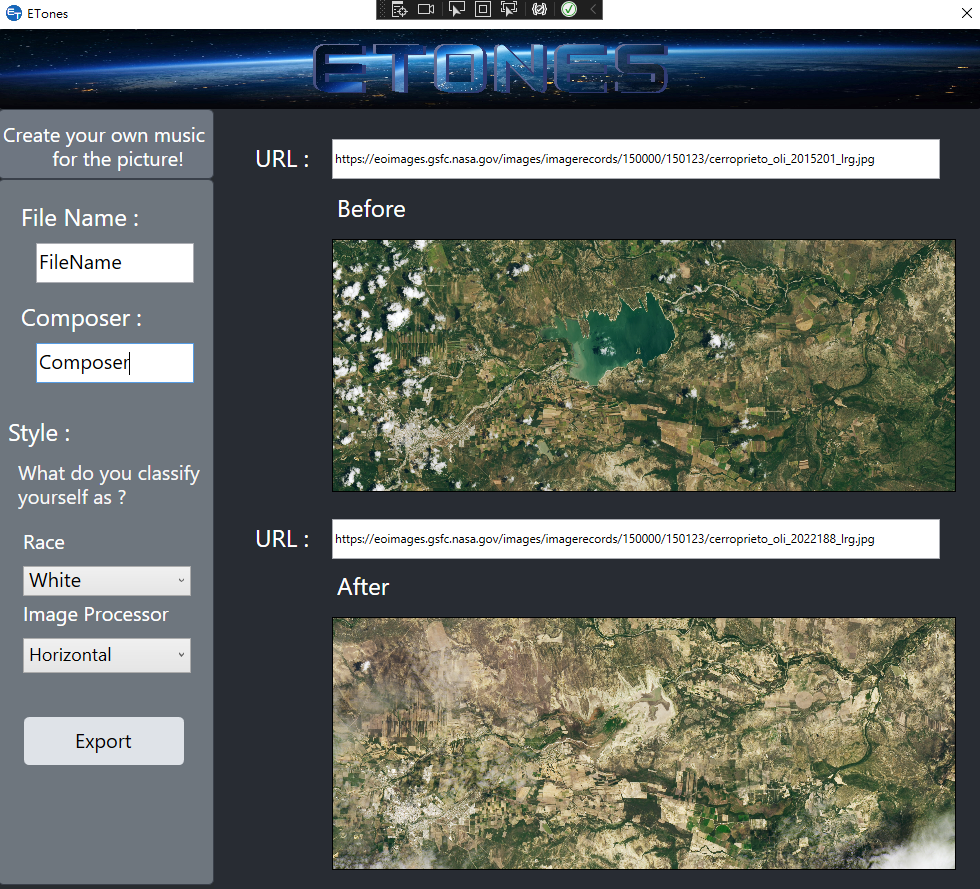
5. Click on “Etones” to run the Application
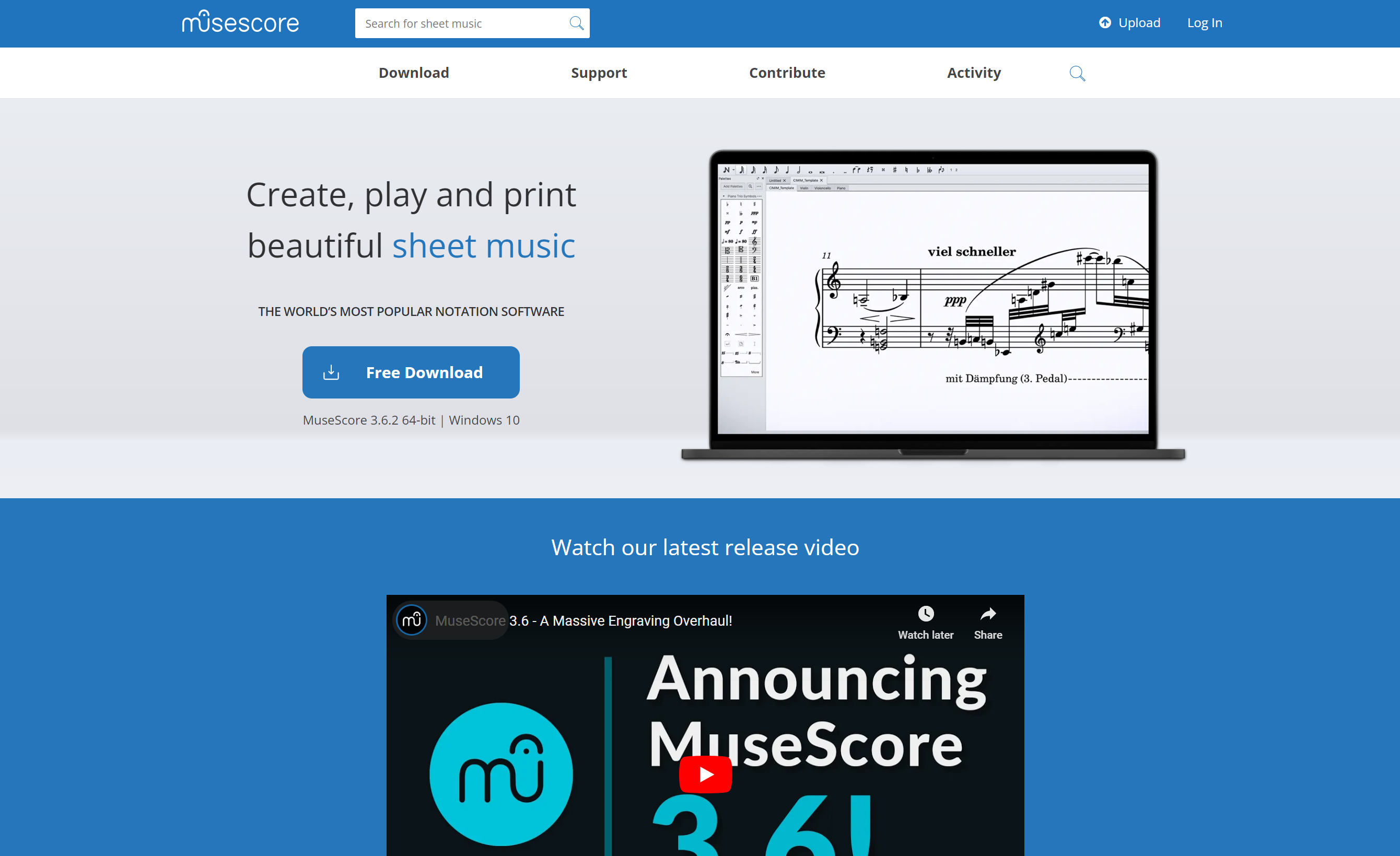
6. Go to musescore's official website (link down below)
7. Download Musescore for Windows or "Free Download"
8. Click to where Musescore file was downloaded in your computer(Normally it should be in your download folder)
9. Run the installation exe; Click next until you see install in the screen(Remember to click on the agree the terms in License Button in the second page during the installation to keep on going)
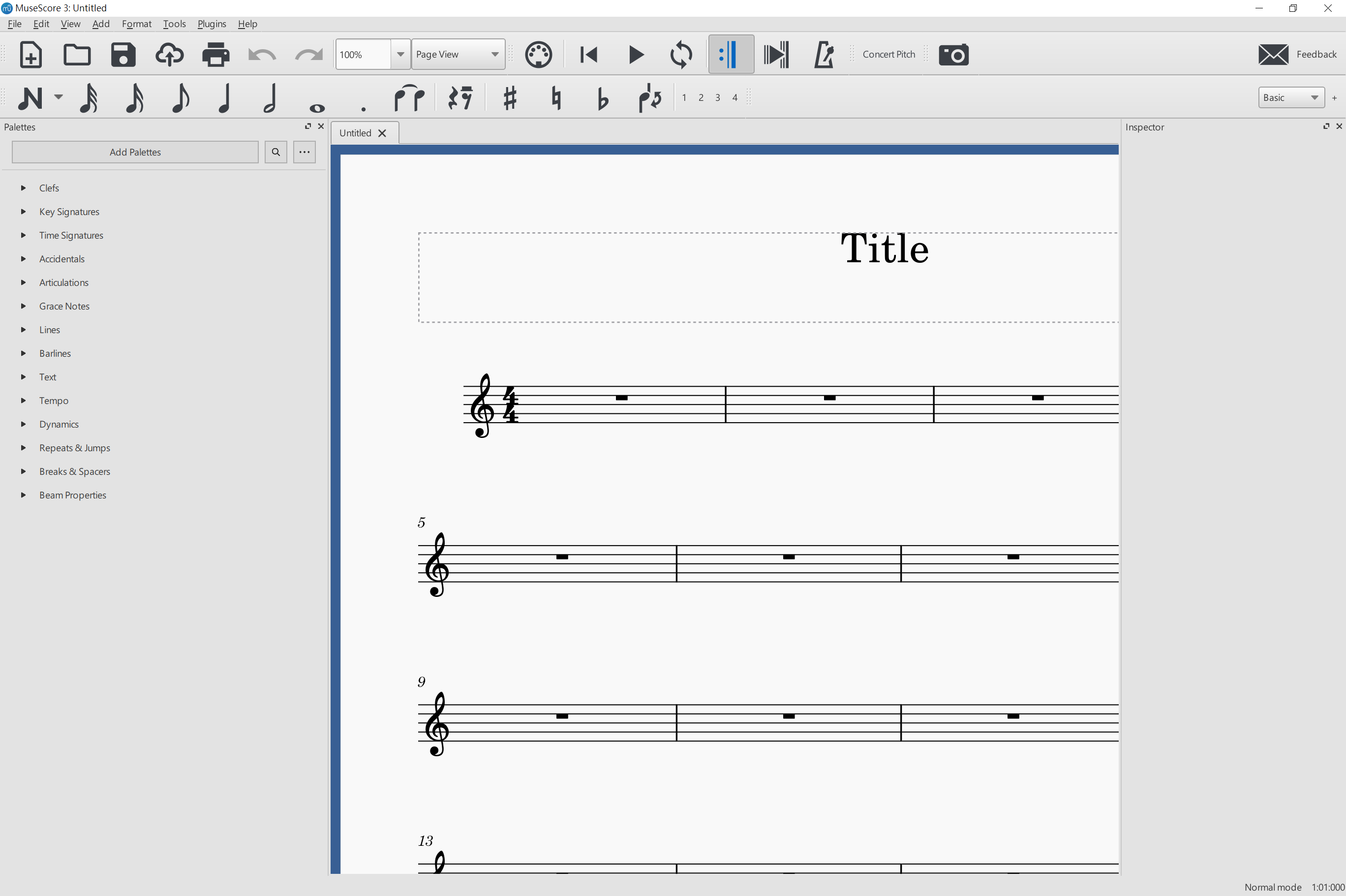
10. Run Musescore
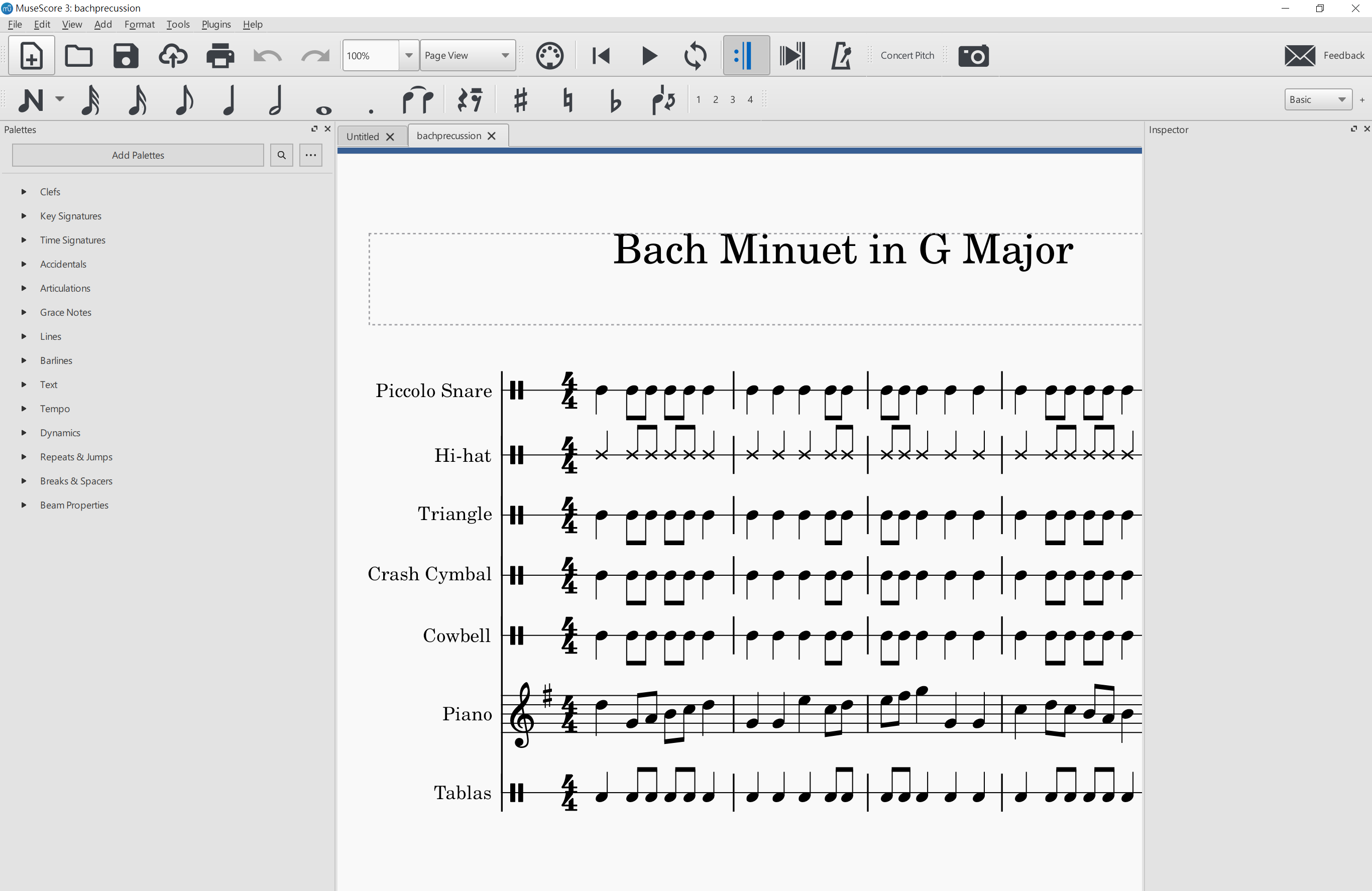
11. Click on the FIle on the top right, then click open. Click on the song that download through ETONES.
12. Run the song by clicking on the play button in the middle top of Musescore
13. Run Musescore
14. Click on the FIle on the top right, then click open. Click on the song that is downloaded through ETONES.
15. Run the song by clicking on the play button in the middle top of Musescore